Get started
Connect and manage your WhatsApp number
Connect and manage your WhatsApp Business numbers.
4 min read4 steps
- 1
Connect a number
Click Connect with Facebook and follow Meta's sign-in to pick your WhatsApp Business account and number, or choose Add manually to paste the details yourself.
Connect with Facebook / Add manually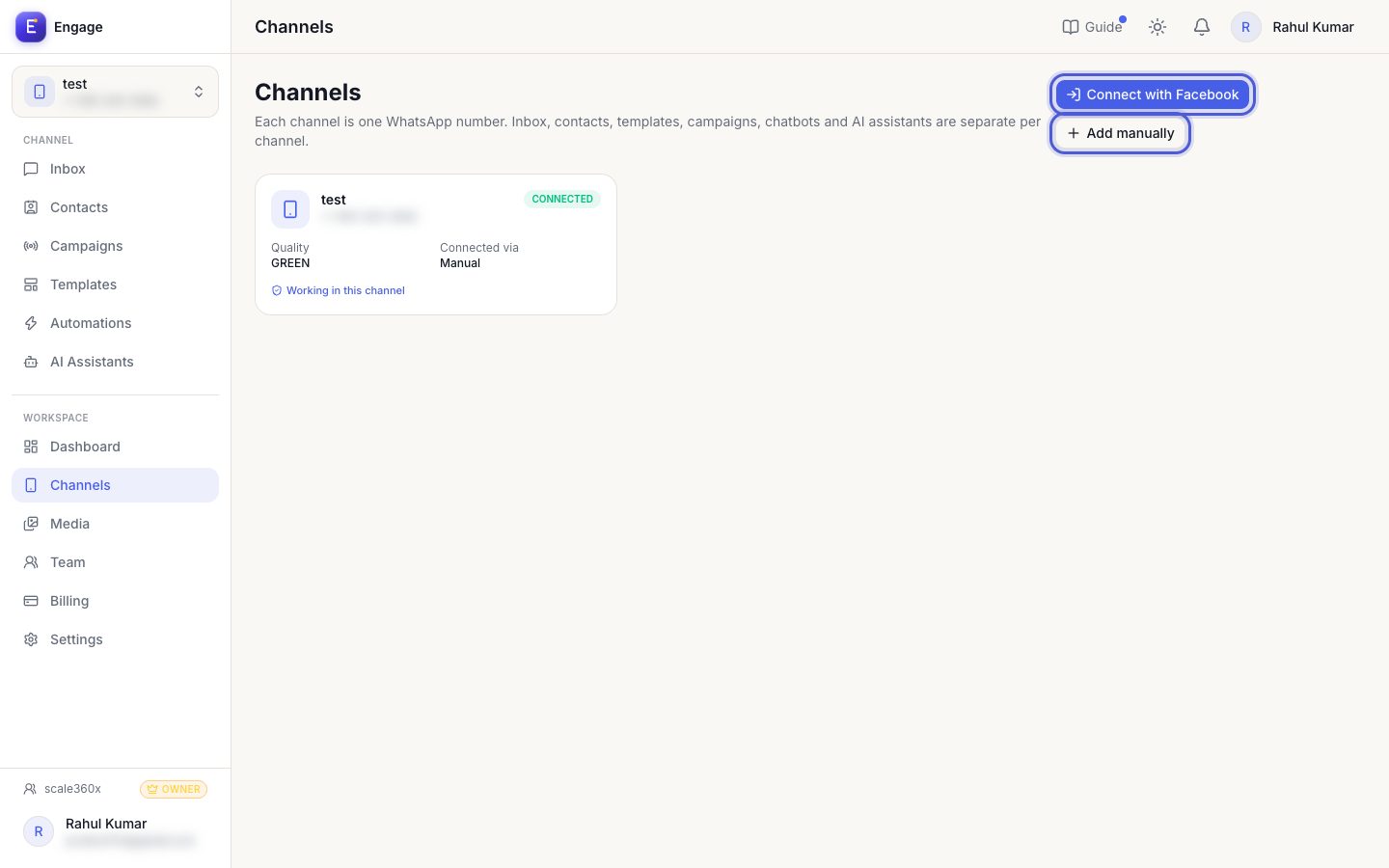
- 2
Check the status
A connected channel shows green. If it is not, reconnect or check the webhook settings.
Channel card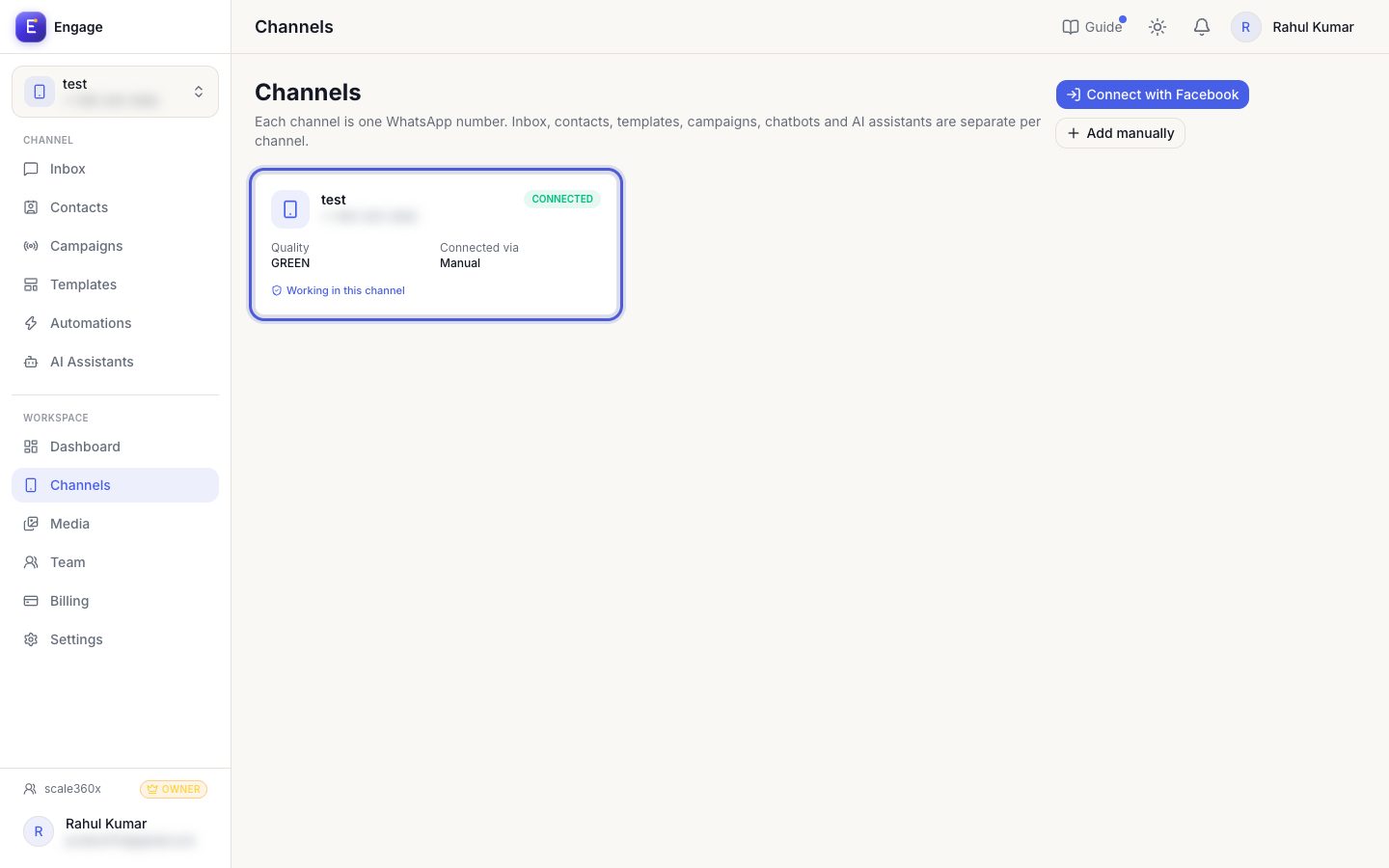
- 3
Switch between channels
Everything in the app (inbox, contacts, automations) belongs to the active channel. Switch it from the channel picker.
Channel picker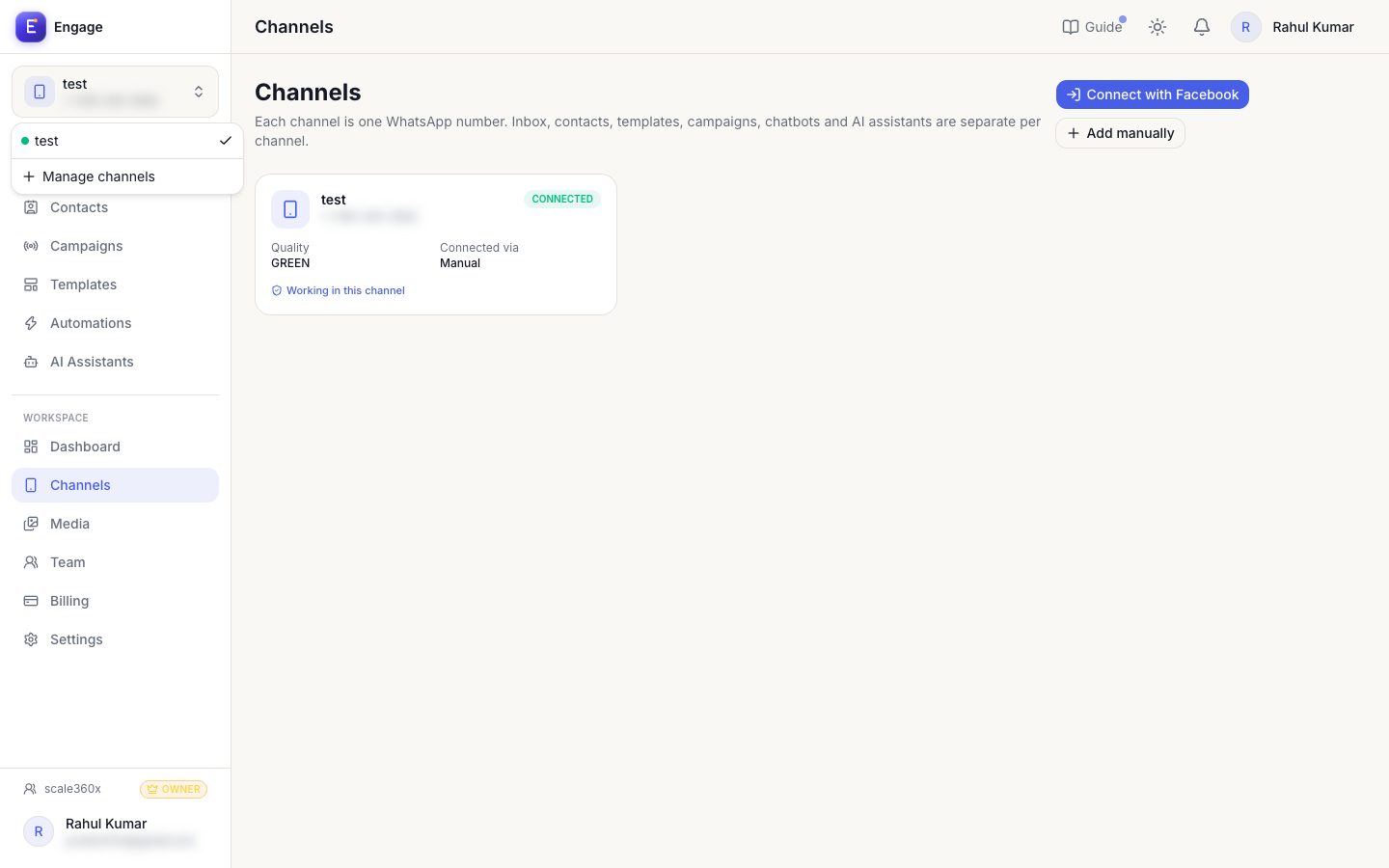
- 4
Webhooks and API
Create API keys and outbound webhooks to connect other tools.
API & webhooks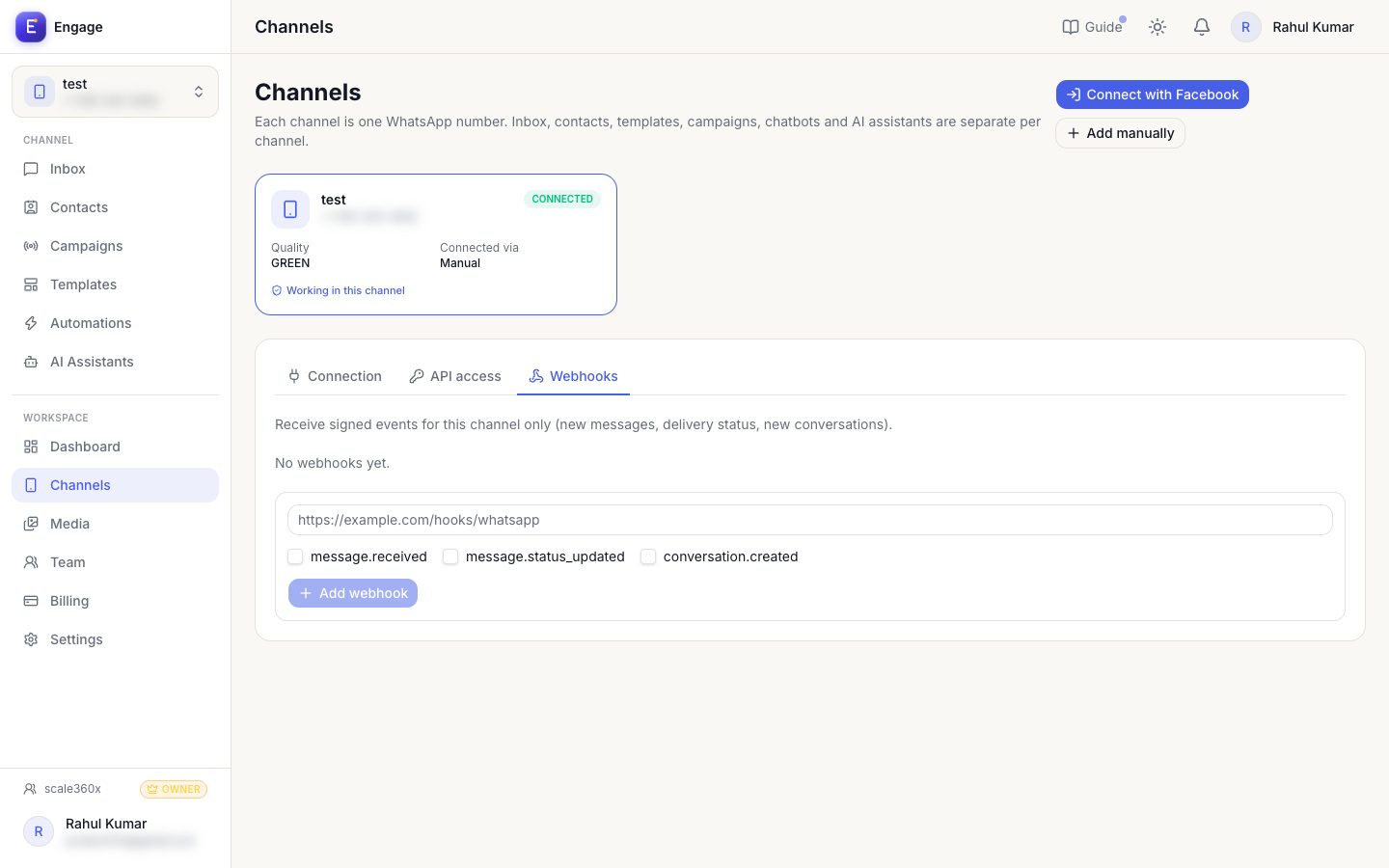
Pro tips
- Each plan includes a number of channels; add more as an add-on.
Common questions
Messages are not arriving.
Open the channel and check its status and webhook. Reconnect if needed.
Try it on your own WhatsApp number
Start a free trial, no card needed, and follow this guide inside the product.
Stuck, or no time? We will set this up for you.
Tell us what your business does. Our team designs the chatbots, connects your tools, gets your messages approved and trains your team. You only reply to the customers it hands to you.