Automate
Set up an AI assistant
AI that answers customers on WhatsApp using your own knowledge.
5 min read6 steps
- 1
Check your AI credits
AI runs on the platform, so there is no API key to add. Open AI credits to see your balance, what your plan includes and to buy more. A monthly plan adds its credits every month; a quarterly or yearly plan adds the whole period's credits at once when you pay. All of it is one balance, so you may use it as fast as you like. A free trial starts with 10 credits.
AI credits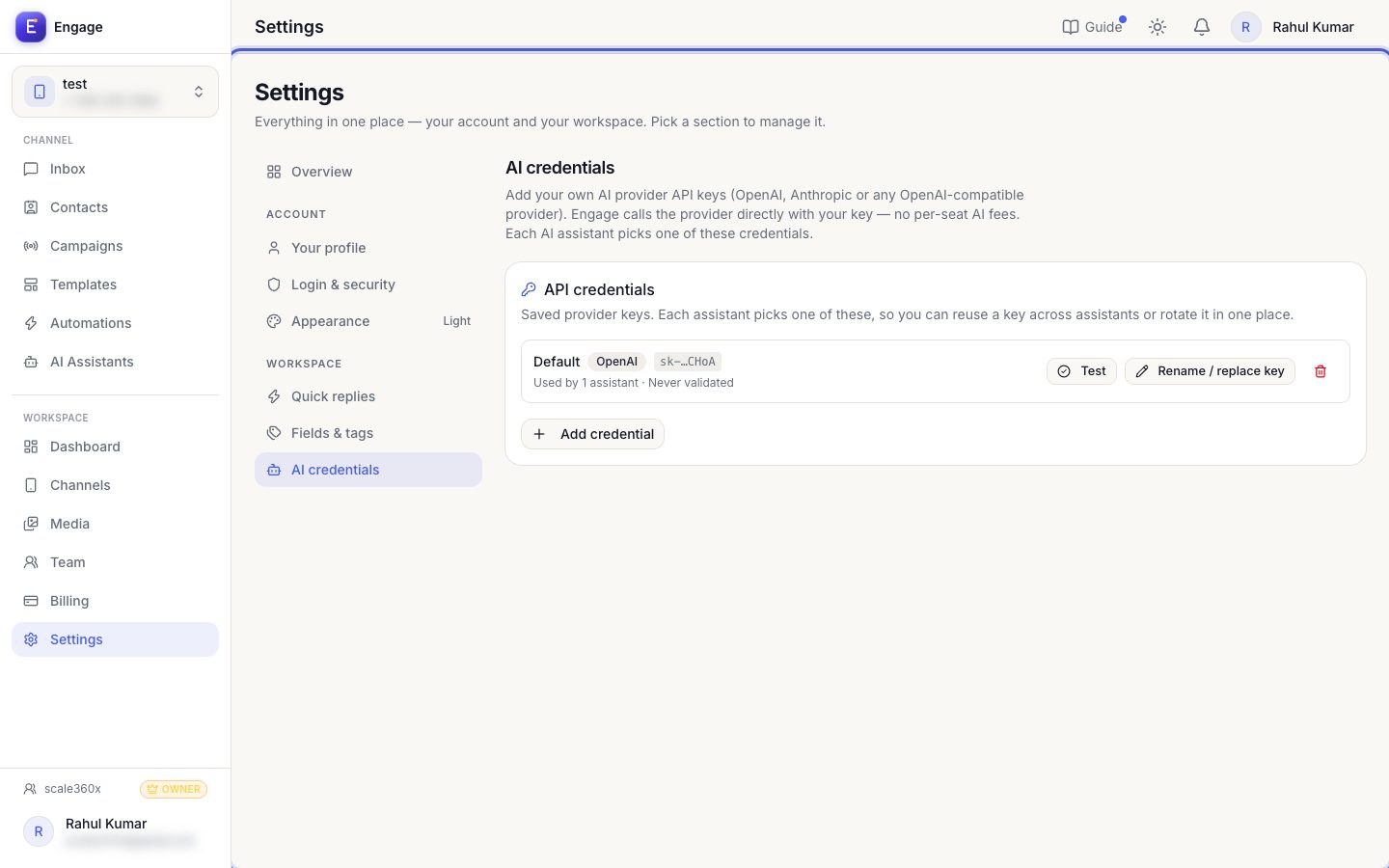
- 2
Create an assistant
Click New assistant, choose a preset or write instructions, and set the tone.
New assistant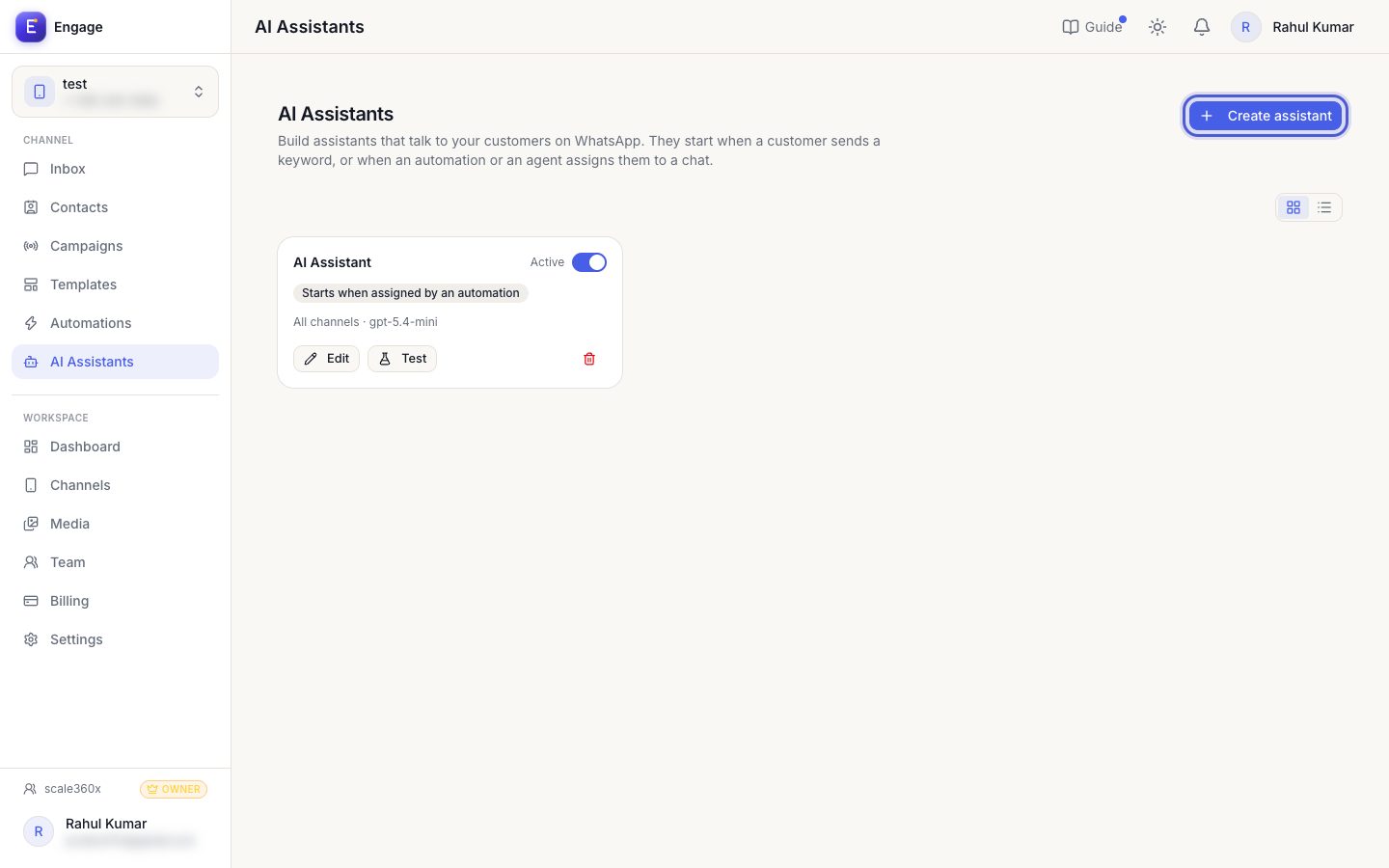
- 3
Add knowledge
Upload documents or add website pages so answers come from your business, not guesses.
Knowledge sources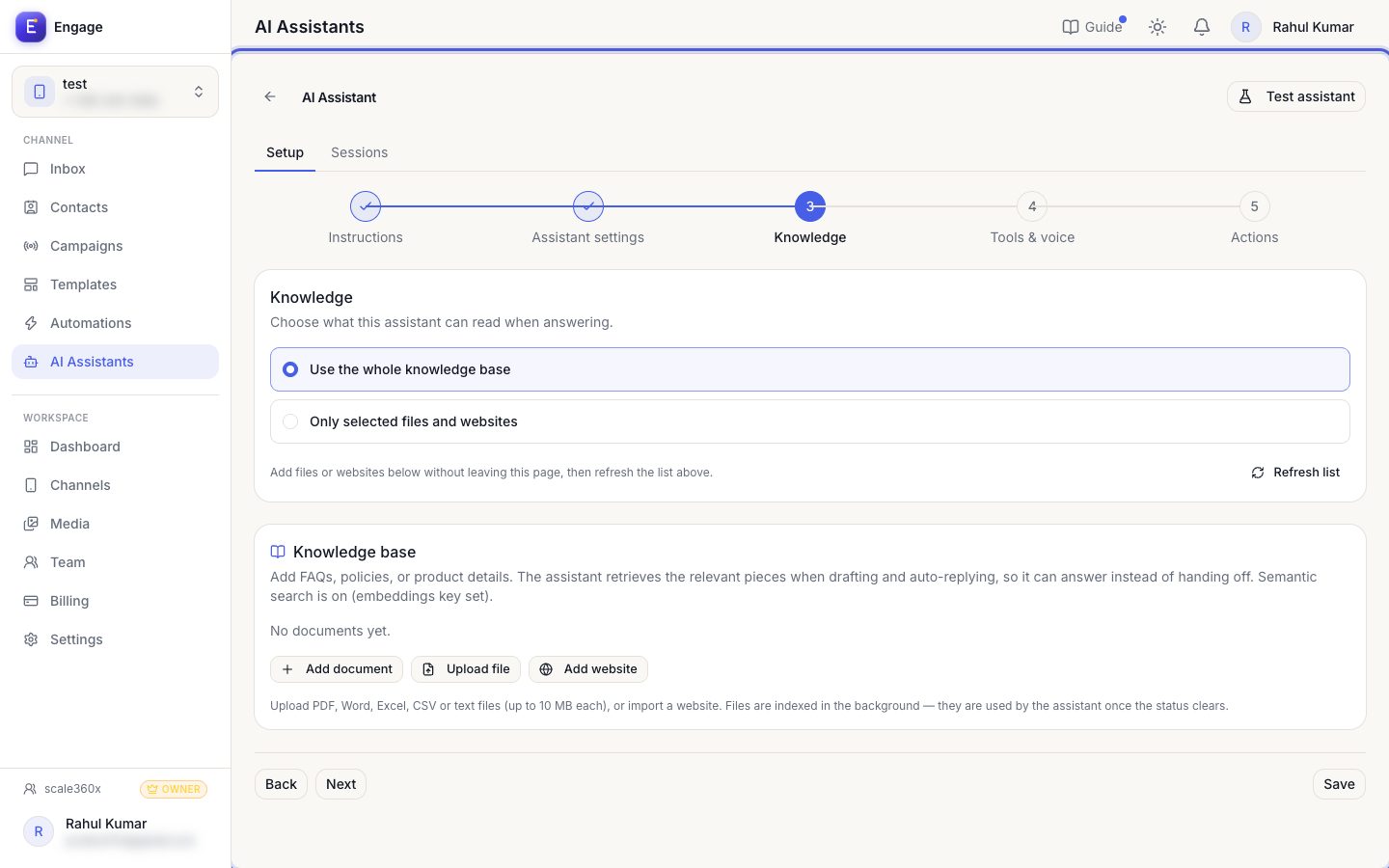
- 4
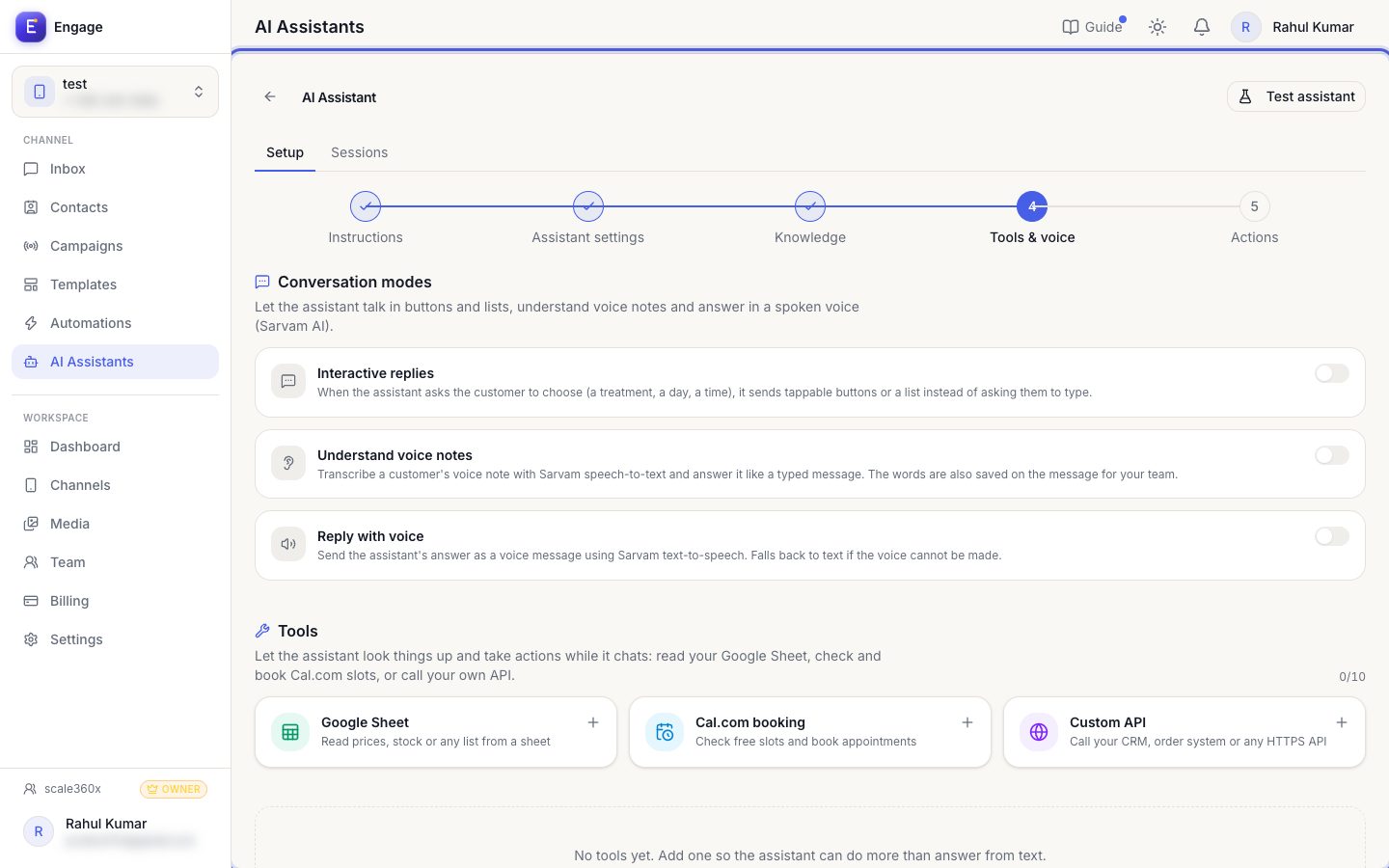
Give it tools
In the Tools step let the assistant read a Google Sheet (price list), check and book Cal.com slots, or call your own API. Describe when to use each tool, then use Test to see what it returns.
Tools stepA booking test really books a slot. Use a test time.
- 5
Choose when it starts
In Assistant settings → Activation pick 'Start only when assigned' (a chatbot step or an agent attaches it; best when you also run a chatbot) or 'Start when the customer sends a keyword'. A keyword assistant stays quiet on a channel that has an active New Message Received or Keyword automation, so with a chatbot use 'Start only when assigned'. The guide 'Who answers a chat' explains every case.
Assistant settings → Activation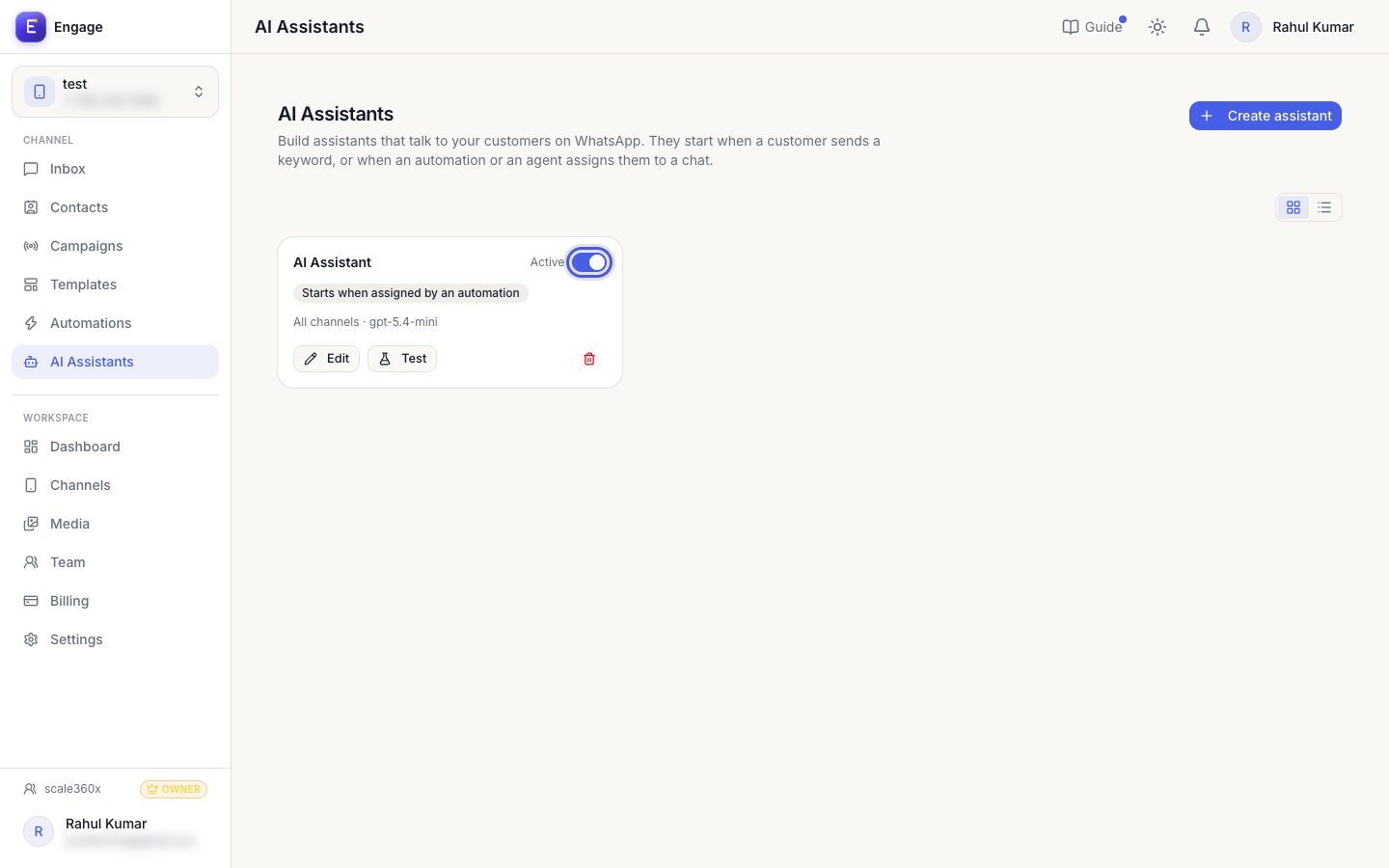
- 6
Switch it on
Turn the assistant Active (limited by your plan). Humans can take over any chat; the bot then pauses on it. In a chatbot, use the Assign AI assistant step to hand a chat over after the menu questions.
Active toggle
Pro tips
- Tell the assistant when to hand over to a human.
- Never let it give medical or legal advice.
- Tell it to reply with only the message for the customer, never its own reasoning.
- Help → 'Who answers a chat' shows when the chatbot, the assistant or your team replies.
Common questions
Why can't I activate another assistant?
You reached your plan's AI assistant limit. Upgrade or add capacity in Billing.
My assistant does not start from its keyword.
If the channel has an active New Message Received or Keyword automation, a keyword assistant stays quiet on chats it does not own yet. Use 'Start only when assigned' with the Assign AI assistant step.
Try it on your own WhatsApp number
Start a free trial, no card needed, and follow this guide inside the product.
Stuck, or no time? We will set this up for you.
Tell us what your business does. Our team designs the chatbots, connects your tools, gets your messages approved and trains your team. You only reply to the customers it hands to you.