Reach customers
Track your campaigns
Send an approved template to many contacts, now or later, and track results.
4 min read4 steps
- 1
Create a campaign
Click New Broadcast to open the wizard. You can leave at any step; it is saved as a draft.
New Broadcast button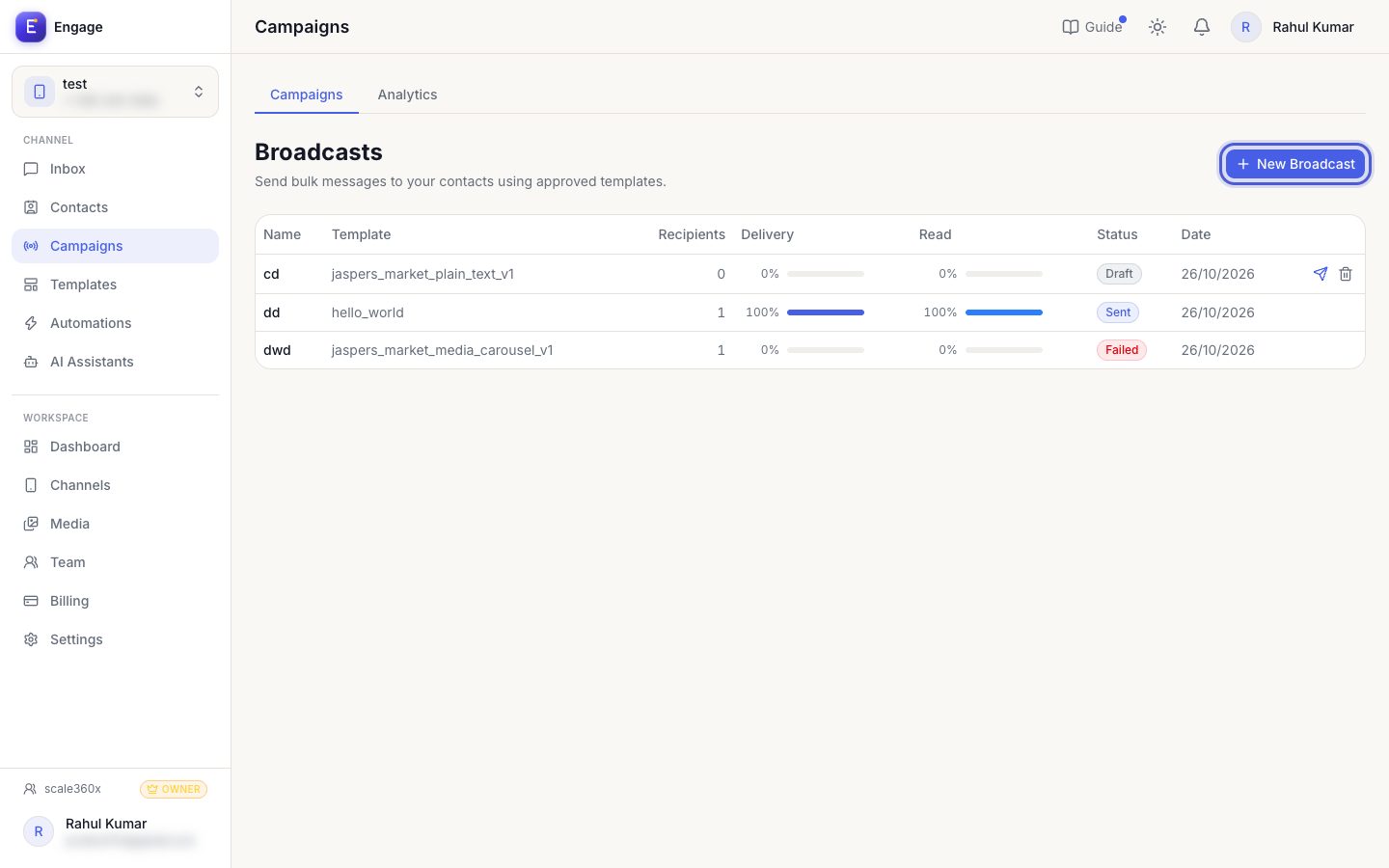
- 2
Manage drafts
Drafts show a Send button to launch directly, and Edit to continue the wizard. Scheduled campaigns can be taken back to draft before they start.
Campaigns list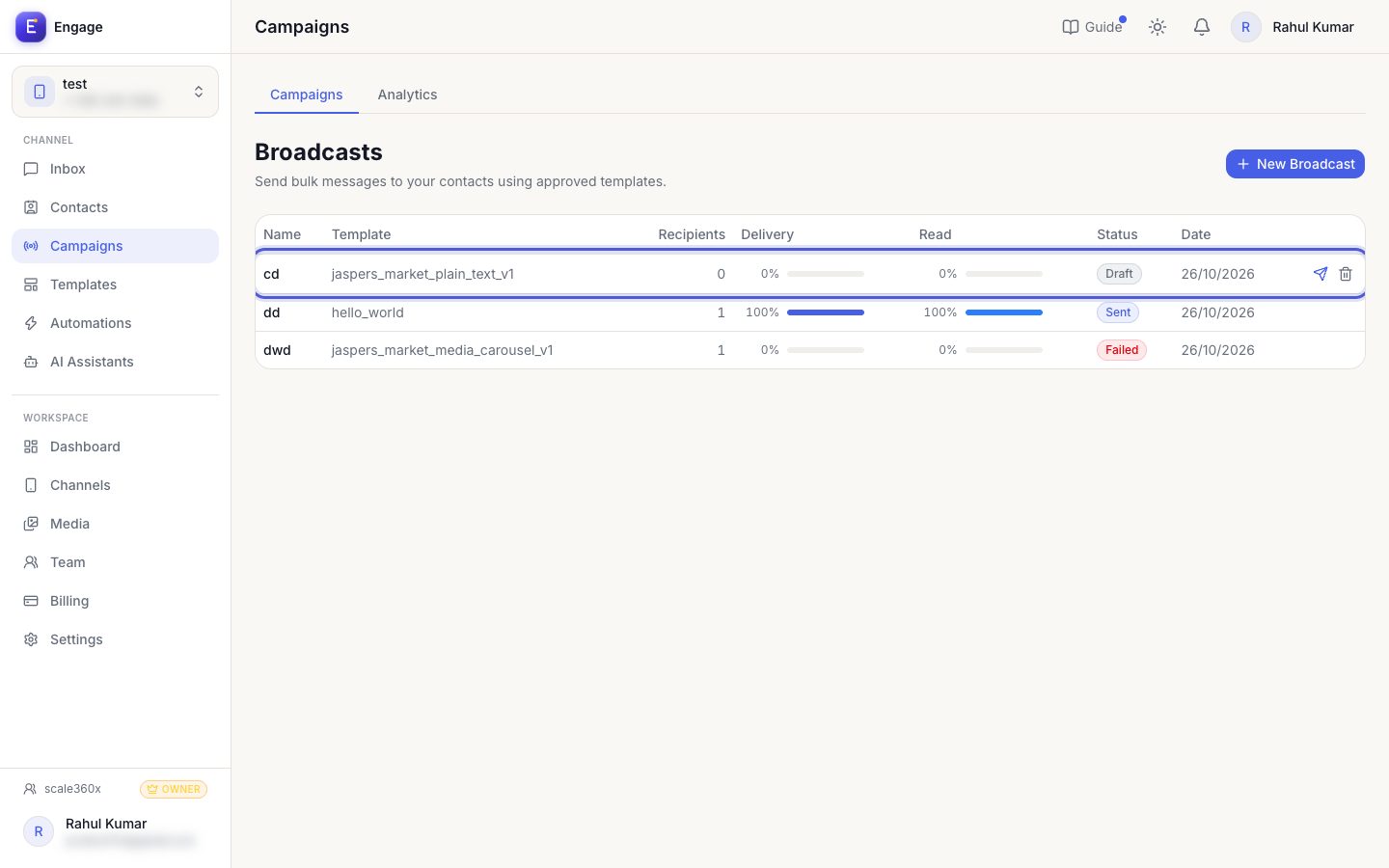
- 3
Open a campaign
Click a campaign to see delivery status per recipient, paged server-side. Export CSV downloads the full list, even for very large audiences.
Campaign row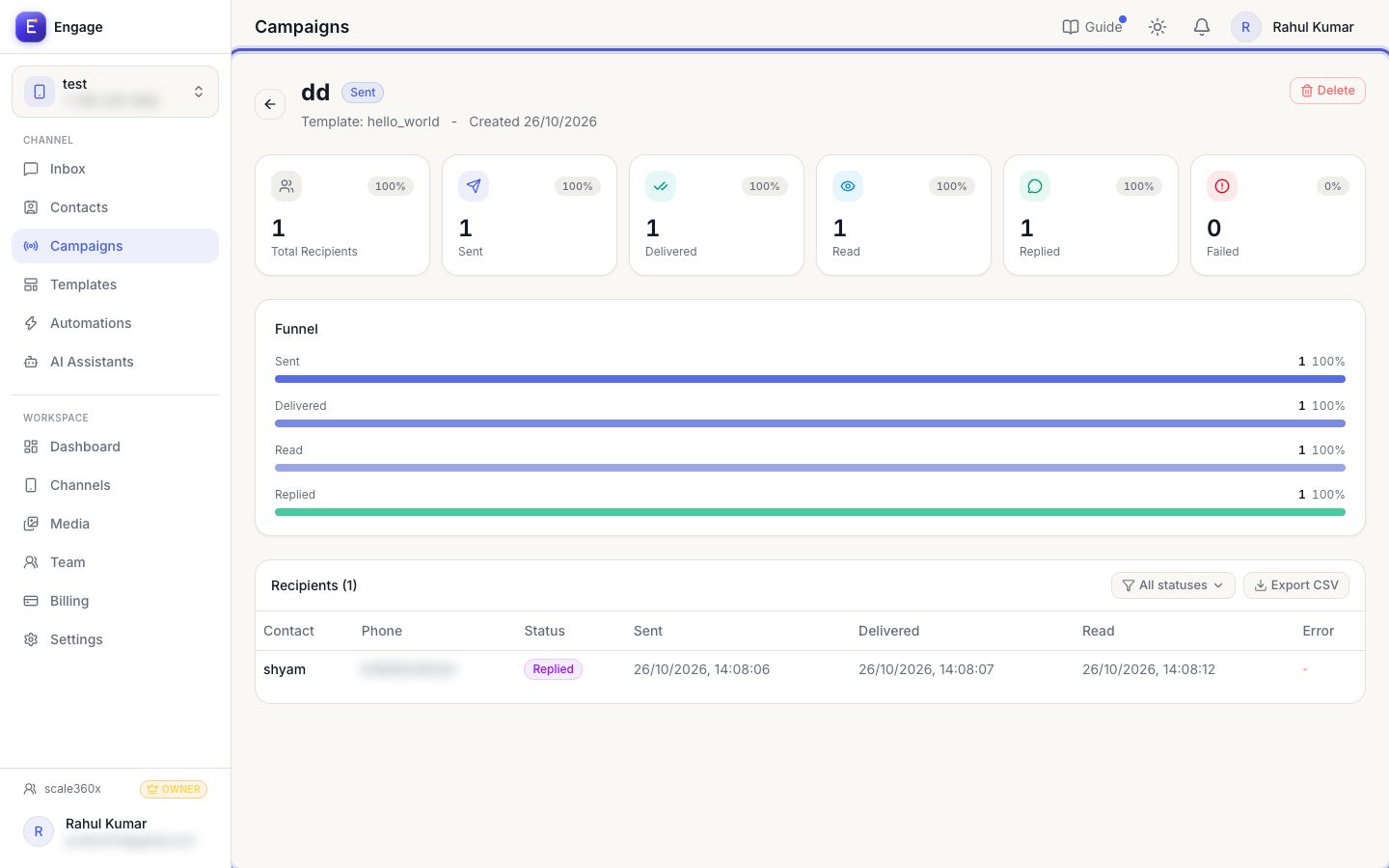
- 4
Read analytics
The Analytics tab compares sent, delivered, read and failed across campaigns.
Analytics tab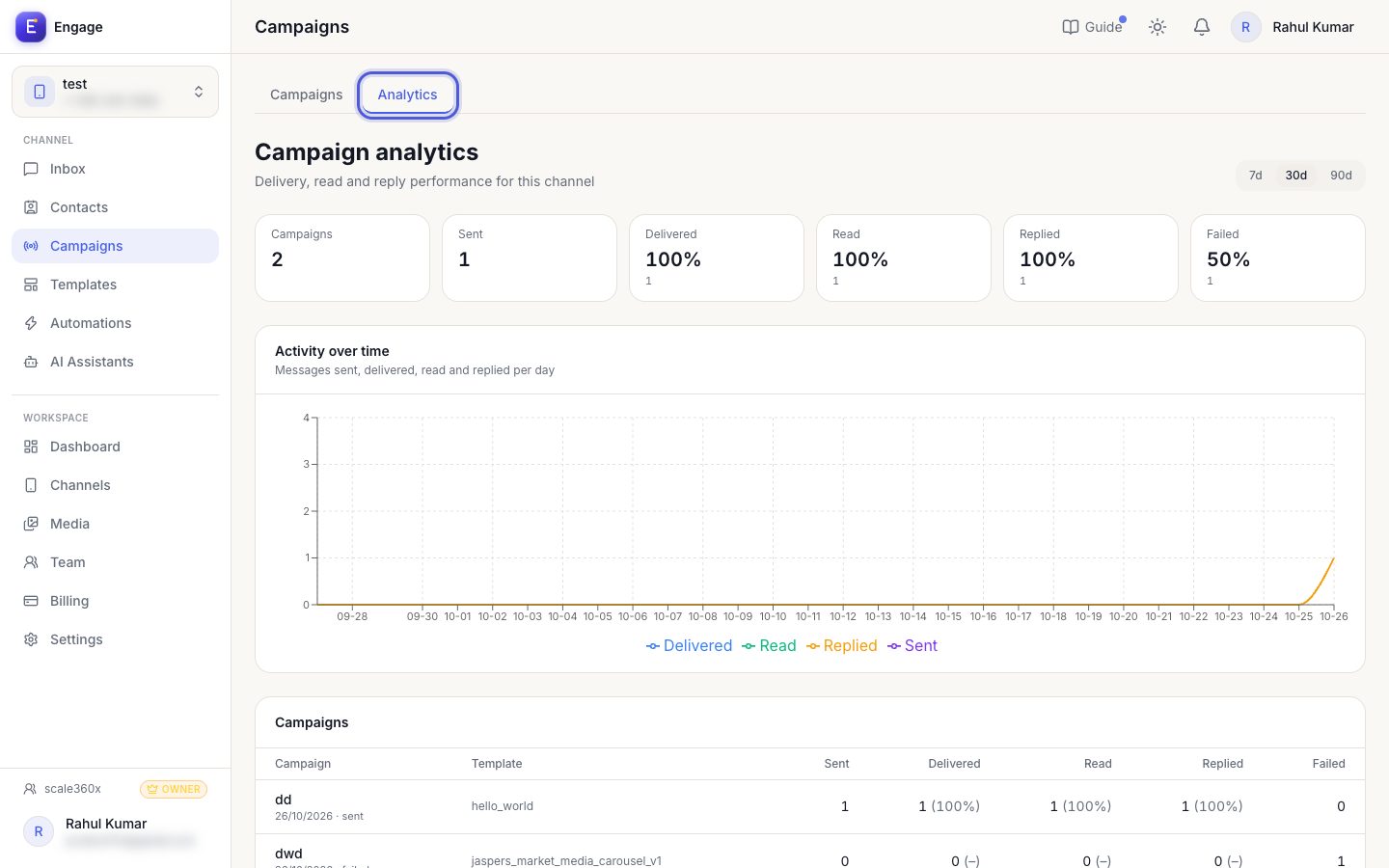
Pro tips
- Marketing templates need the contact's consent. Respect opt-outs.
- Your plan limits sending speed (messages per second).
Common questions
Why is the campaign 'scheduled' and not sending?
It will start at the scheduled time. Use Unschedule to change it.
Try it on your own WhatsApp number
Start a free trial, no card needed, and follow this guide inside the product.
Stuck, or no time? We will set this up for you.
Tell us what your business does. Our team designs the chatbots, connects your tools, gets your messages approved and trains your team. You only reply to the customers it hands to you.